Mobile App
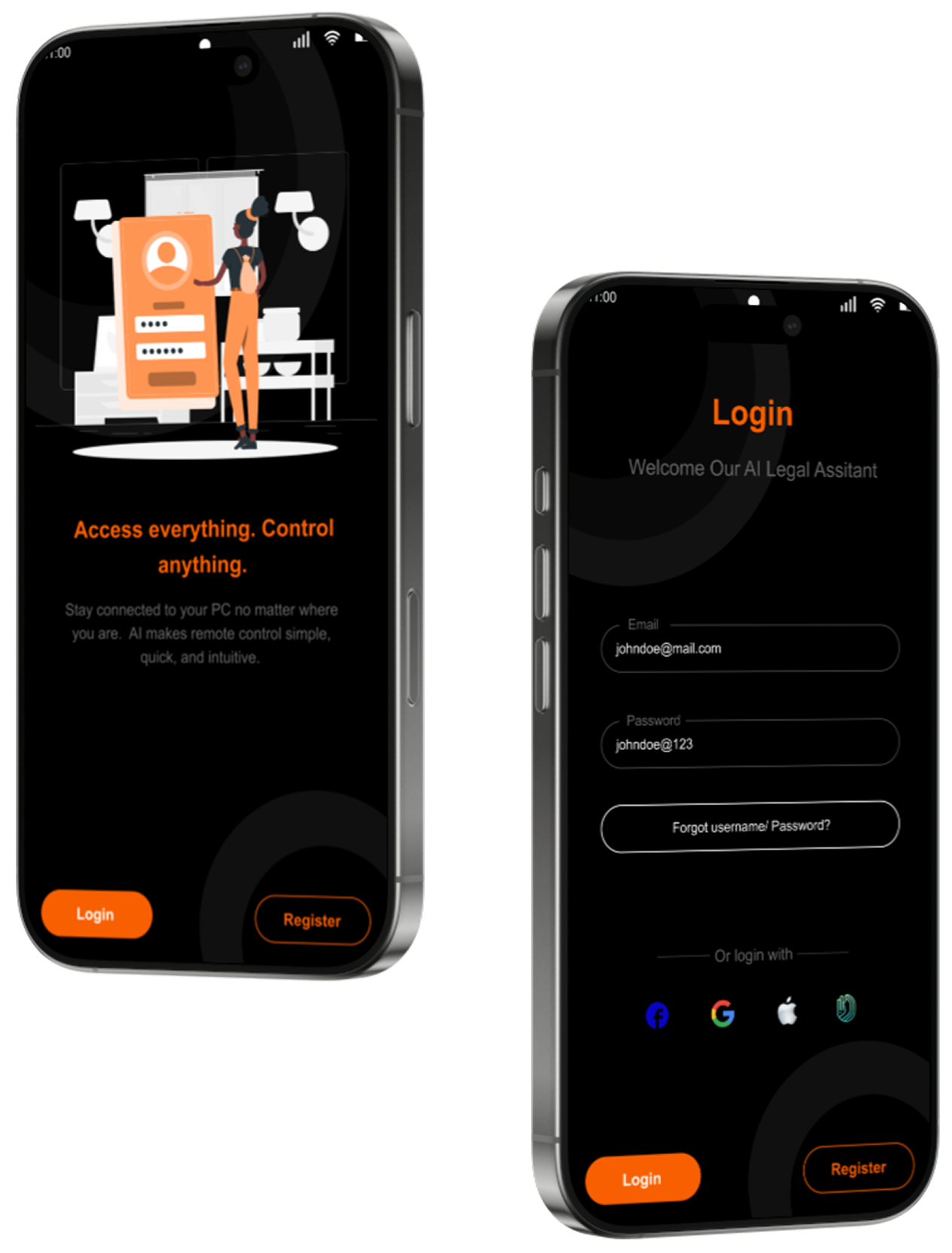
Control your PC from your smartphone.
App Version: v3.2.0
Imagine asking for something and your PC gets it done for you, from anywhere. Yep that's
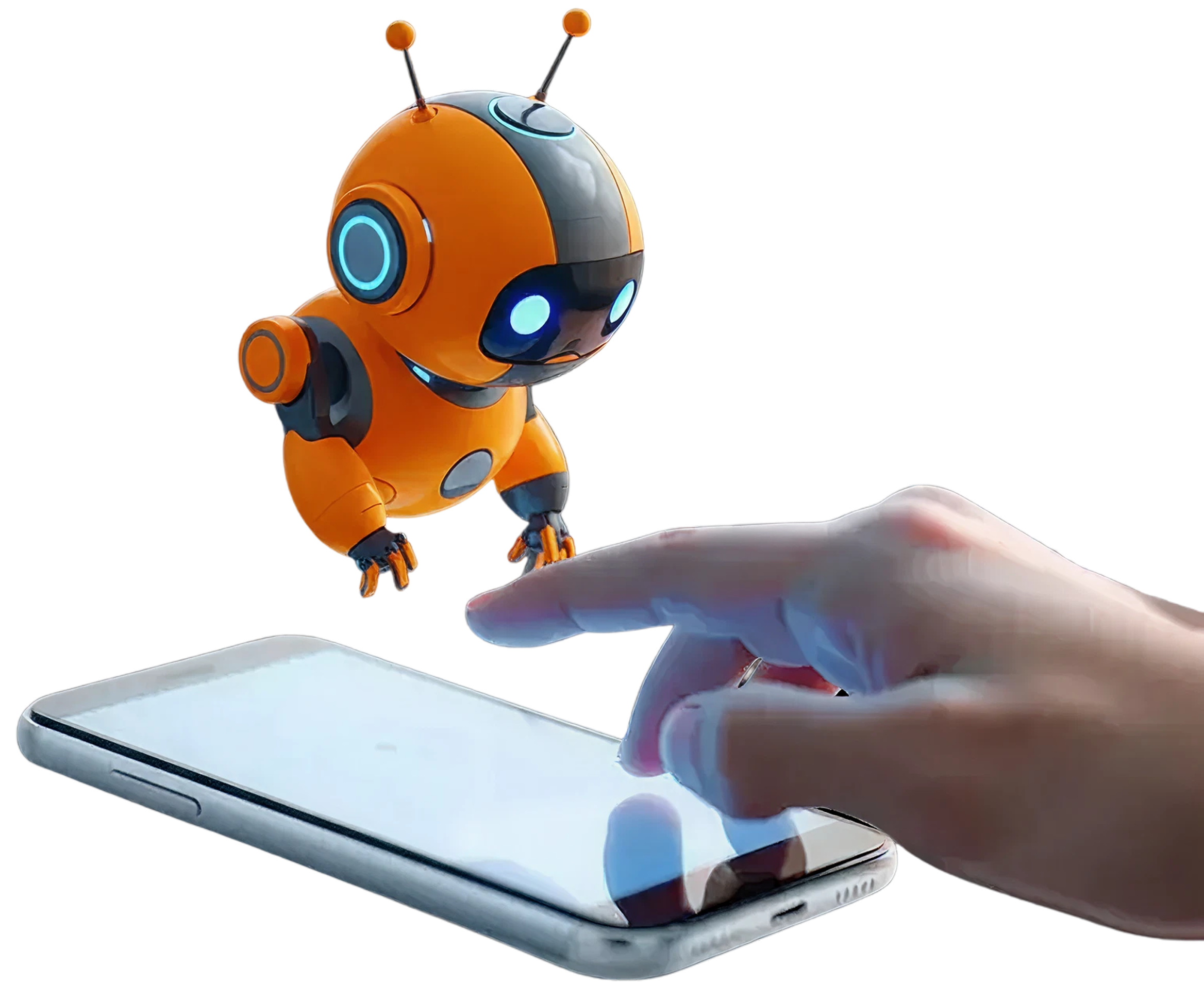

Simply type or speak commands like "open Chrome" or "take a screenshot" and watch your PC respond instantly.

End-to-end encrypted communication ensures your commands and data stay private and secure.

Real-time WebSocket connections deliver instant response times for seamless control experience.

Advanced AI understands context and complex commands, making interaction intuitive and natural.

Control your Windows or Mac computer from Android or iOS devices, anywhere in the world.

Get started in minutes with our simple installation process. No technical knowledge required.
Control your PC from your smartphone.
App Version: v3.2.0
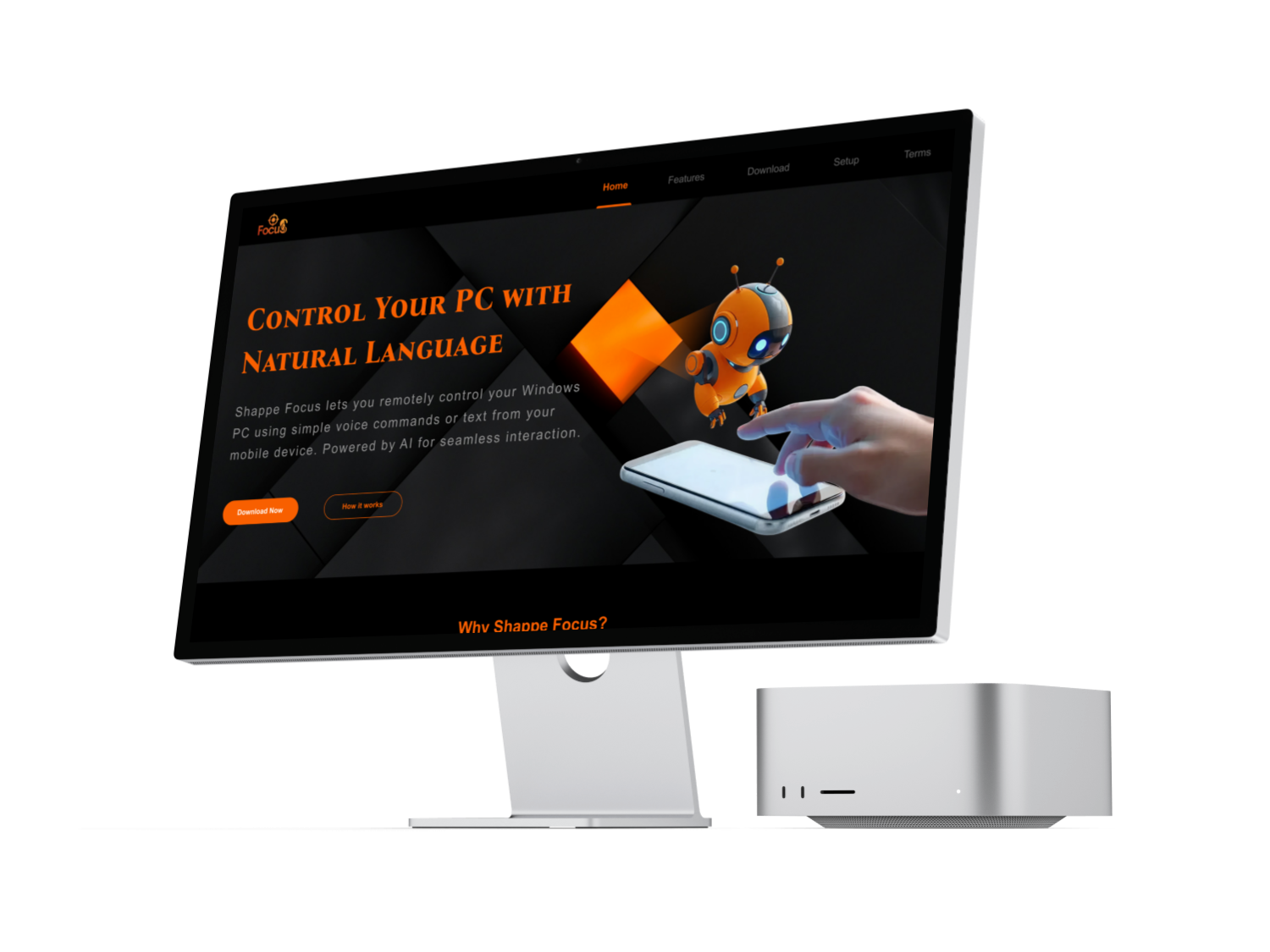
Install the agent on your computer.
App Version: v3.2.0
Download and install the Shappe Focus desktop agent on your Windows PC. Run the installer and follow the on-screen instructions. The agent will start automatically and run in your system's notification tray.
Download the Shappe Focus mobile app on your Android device. Open the APK file and allow installation from unknown sources if prompted. Launch the app after installation.
Open the mobile app and create an account or log in. The desktop agent will display a pairing code. Enter this code in your mobile app to link your devices securely.
You're all set! Type or speak natural language commands in the mobile app to control your PC. Try commands like "open calculator", "take a screenshot", or "search for weather".